





Pressing Ctrl + Shift + Windows + B instantly restarts your graphics driver in Windows, fixing display freezes, glitches, or black screens without rebooting. The screen flickers briefly, and a beep confirms the reset. This method preserves open applications and is widely used by IT teams to maintain uptime in GPU-intensive environments, including systems powered by WECENT enterprise hardware.(Edited on June 8, 2026)
What Does a Graphics Card Reset Shortcut Do?
A graphics card reset shortcut reloads the GPU driver without shutting down the system. It clears temporary errors such as display corruption, driver hangs, or minor conflicts.
This process:
-
Restarts the Windows Display Driver Model (WDDM)
-
Clears GPU memory inconsistencies
-
Restores normal display output within seconds
Unlike a full reboot, it keeps applications and unsaved work intact, making it highly efficient for enterprise environments using WECENT GPU solutions.
How Does the Graphics Card Reset Shortcut Work?
When you press Ctrl + Shift + Windows + B, Windows sends a command to restart the graphics subsystem.
The process includes:
-
Unloading the current GPU driver
-
Reloading and reinitializing the driver
-
Refreshing the display pipeline
Users will notice a brief screen flicker and may hear a notification sound. This indicates the reset was successful and the GPU is functioning again.
When Should You Use a Graphics Card Reset Shortcut?
This shortcut is useful when encountering visual or performance issues during GPU usage.
Common scenarios include:
-
Frozen or unresponsive screens
-
Flickering or distorted graphics
-
Black screen after launching heavy applications
-
GPU overload during rendering or AI workloads
IT teams managing WECENT-powered systems often use this as a first response before deeper troubleshooting.
Why Do GPU Drivers Freeze or Crash?
GPU instability can occur due to several technical factors, especially under heavy workloads.
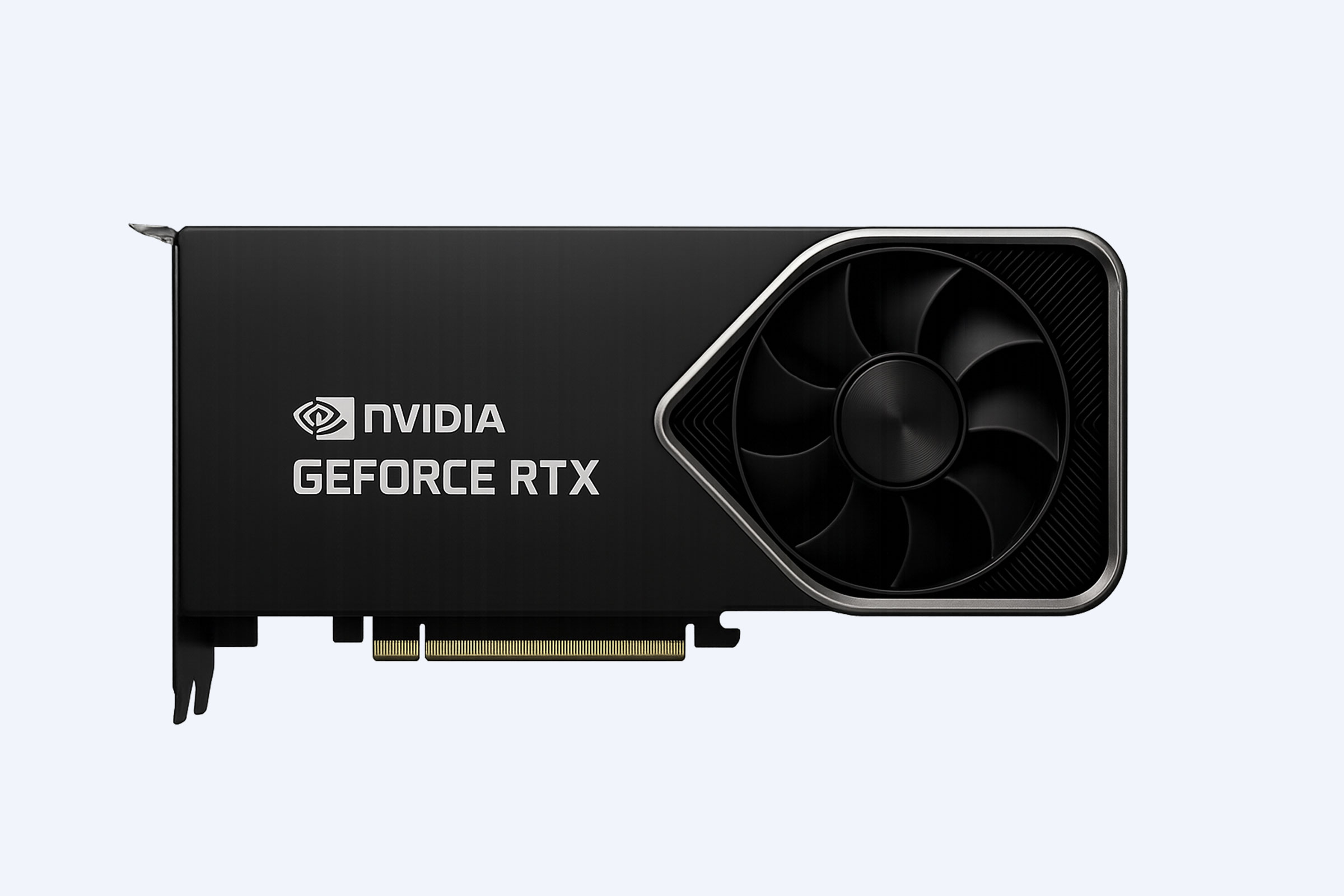
Enterprise GPUs supplied by WECENT, such as NVIDIA RTX A6000 or Tesla A100, are designed to minimize these risks with optimized cooling and certified drivers.
Which GPU Models Support This Shortcut?
The shortcut works on all GPUs compatible with WDDM 2.0 or newer.
Supported hardware includes:
-
NVIDIA GeForce GTX 10 series and newer
-
NVIDIA RTX 20, 30, 40, and 50 series
-
NVIDIA Quadro and RTX A series
-
AMD Radeon and Intel integrated graphics
WECENT provides a wide portfolio of compatible GPUs, ensuring reliable driver reset functionality across both consumer and enterprise systems.
Can Servers Use GPU Reset Shortcuts Too?
Yes, servers running Windows or virtual desktop environments can use this shortcut if a display session is active.
For headless or remote systems:
-
Use remote desktop tools for access
-
Execute command-line utilities like nvidia-smi
-
Integrate automated recovery scripts
WECENT supports enterprise clients with scalable server solutions that include automated GPU monitoring and recovery.
How Can IT Teams Automate GPU Driver Recovery?
Automation helps reduce downtime in high-performance environments.
These tools are commonly deployed in WECENT-supported infrastructures to ensure continuous operation in AI, rendering, and virtualization workloads.
Are There Risks to Frequently Resetting the GPU?
Occasional resets are safe, but frequent use may signal deeper problems.
Potential concerns include:
-
Persistent driver instability
-
Hardware degradation
-
Temporary cache inconsistencies
WECENT recommends proactive maintenance, including driver validation and thermal monitoring, to ensure long-term system reliability.
Is Resetting the GPU the Same as Reinstalling Drivers?
No, these are different processes with distinct purposes.
-
Resetting restarts the driver temporarily to fix immediate issues
-
Reinstalling replaces driver files and resolves deeper conflicts
For enterprise systems, combining both methods ensures effective troubleshooting and stability.
Who Should Use Authorized IT Suppliers Like WECENT?
Businesses that rely on high-performance computing benefit from working with trusted suppliers.
WECENT delivers:
-
Certified, original hardware from global brands
-
Custom enterprise solutions for AI, cloud, and virtualization
-
Full lifecycle support, from deployment to maintenance
This ensures reliability, compliance, and scalability for demanding IT environments.
WECENT Expert Views
“For enterprise environments, maintaining GPU stability is critical to operational continuity. The graphics driver reset shortcut offers immediate recovery from transient failures, but it should be complemented by structured monitoring and preventive maintenance. At WECENT, we focus on delivering certified hardware, optimized configurations, and proactive support strategies that reduce downtime and ensure consistent performance across AI, rendering, and data-intensive workloads.”
Conclusion
The graphics card reset shortcut provides a fast and effective way to resolve display issues without interrupting workflows. It is especially valuable in enterprise environments where uptime is critical. By combining this tool with proactive system management, automation, and reliable hardware from WECENT, organizations can maintain stable, high-performance computing environments. For long-term efficiency, IT teams should monitor GPU health, keep drivers updated, and address root causes behind recurring issues.
FAQs
What is the fastest way to reset a graphics card in Windows?Press Ctrl + Shift + Windows + B to instantly restart the graphics driver without rebooting your system.
Does resetting the GPU delete files or close applications?No, it only reloads the driver and preserves open applications and unsaved work.
What should I do if the shortcut does not work?Try disabling and re-enabling the GPU in Device Manager or reinstall the latest drivers.
Can this shortcut fix all GPU problems?No, it resolves temporary issues. Persistent problems may require driver updates or hardware diagnostics.
Is the shortcut available on all systems?It works on Windows systems using WDDM 2.0 or newer GPUs, including most modern NVIDIA, AMD, and Intel graphics cards.