




Gaming servers go down when too many players, services, or network dependencies hit the same backend at once, and the system can’t scale fast enough. “Server status” is the public signal of that backend health: whether authentication, matchmaking, game sessions, databases, and network paths are operating normally or degrading under load. Viral spikes, patch launches, and regional routing issues can overwhelm even modern cloud clusters if one bottleneck becomes the weakest link.
What does server status mean?
Server status is a health report for the systems that keep a game online, including login, matchmaking, game simulation, and data storage. A game may show “online” while one region is degraded, one queue is broken, or one dependency is failing. In enterprise terms, status is not a single light switch; it reflects the condition of a distributed IT Solution spread across compute, storage, networking, and orchestration layers.
For procurement teams, this is familiar territory. WECENT often explains to system integrators that the same logic applies in data centers: one overloaded load balancer, storage array, or identity service can make a whole platform feel “down” even when most servers are still running. In a 2025 WECENT deployment review for a digital services client, the visible outage was traced to a session-control layer, not the application servers themselves.
Why do viral spikes break systems?
Viral spikes break systems because demand can jump faster than capacity can be added, and the slowest layer becomes the bottleneck. Cloud elasticity helps, but it still depends on how quickly new instances, databases, caches, and network paths can be provisioned and synchronized. If the game’s architecture was sized for steady traffic, a sudden flood from a new update or influencer moment can overwhelm queues, APIs, or regional edge nodes.
This is why enterprise buyers should think in TCO terms, not just raw server count. A cheaper design that ignores surge traffic can cost more later through downtime, emergency scaling, and user churn. WECENT’s enterprise procurement conversations often focus on whether a server refresh should prioritize denser compute, more memory headroom, or better interconnects to absorb bursts without overbuying every layer.
How does cloud elasticity work?
Cloud elasticity means resources can expand or contract quickly in response to demand, ideally without manual intervention. In practice, that can include more virtual machines, extra containers, larger cache pools, or additional database replicas. Elasticity is useful, but it is not magic: the system still needs healthy storage, enough network bandwidth, and application logic that can actually split load across new capacity.
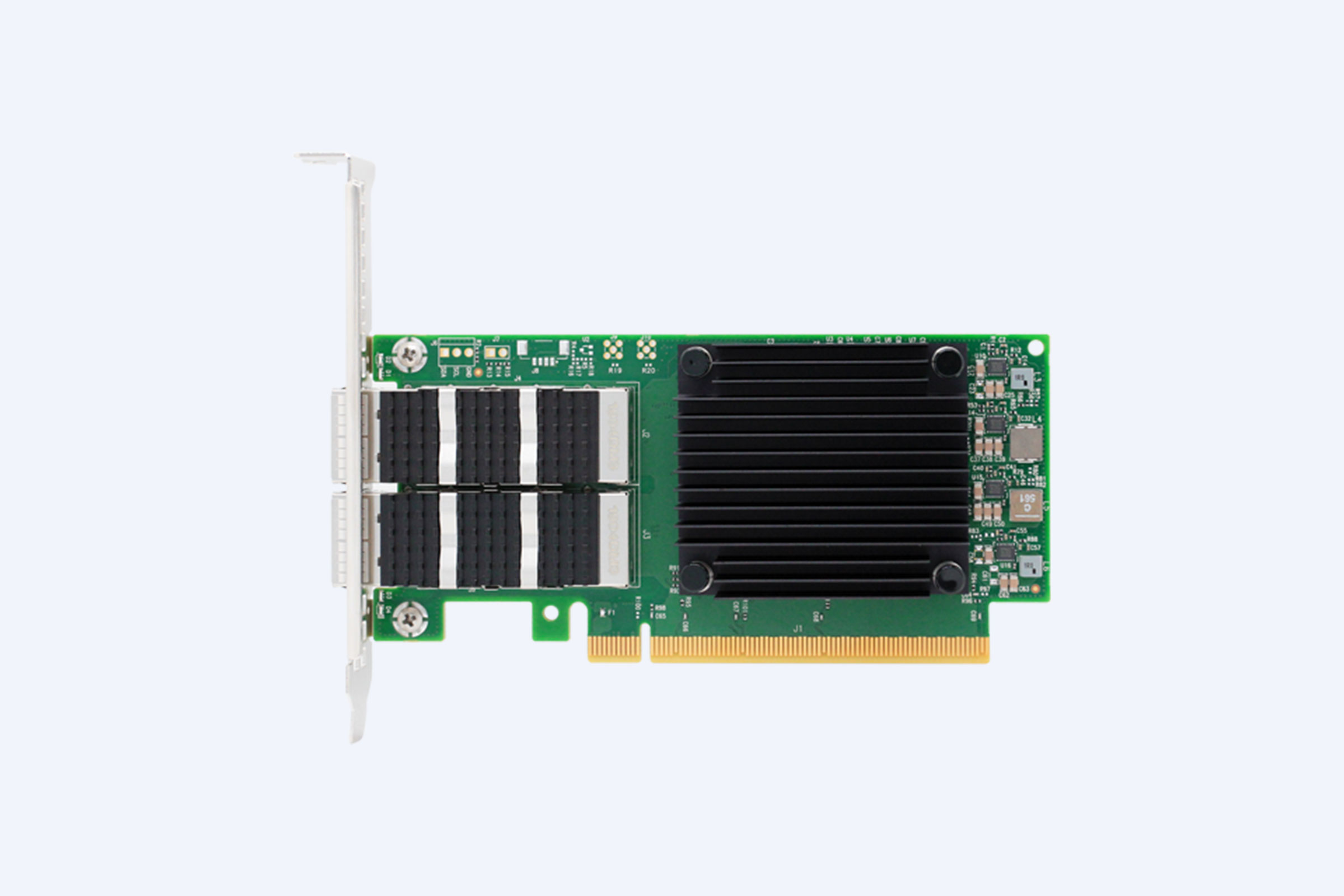
For a WECENT customer in education, the team designed a custom server configuration with headroom on CPU, SSD tiering, and 25GbE networking so an AI lab platform could absorb enrollment spikes without re-architecting later. That kind of IT Equipment Supplier strategy matters because rapid elasticity works best when the underlying hardware and software were planned together. For OEM and ODM buyers, this is where a Hardware Sourcing Partner becomes valuable: the right chassis, NICs, storage, and GPU mix can reduce scaling friction later.
Why does ping matter so much?
Ping matters because it measures the round-trip time between your device and the server, which affects how responsive a game feels. Low ping does not guarantee a healthy game, but high ping often reveals distance, congestion, packet loss, or overloaded routing. When servers are stressed, players may see lag, rubber-banding, timeout errors, or failed matchmaking even before a full outage is declared.
For enterprise networking teams, ping is only one signal; you also need jitter, packet loss, and path consistency. WECENT has seen gaming-adjacent and interactive workloads improve after switching to better switch fabrics and cleaner east-west traffic design, especially in environments using Cisco or H3C switching for dense cluster traffic. A server can be “up” while still performing badly if the network path is the true constraint.
Which bottlenecks fail first?
The first bottlenecks are usually authentication, matchmaking, database writes, cache invalidation, and region-to-region routing. These layers are often shared by every player, so one hot component can stall the whole experience. Even if game servers autoscale correctly, they may still wait on identity tokens, inventory updates, telemetry pipelines, or anti-cheat checks.
WECENT uses this same framework for enterprise procurement because gaming-style bursts resemble other digital workloads: finance market openings, telehealth surges, and university registration peaks. For a data center solution, the best hardware mix is the one that protects the weak link first, not the one with the biggest headline spec. This is where a server refresh can outperform a full rip-and-replace if the bottleneck is identified early.
How do modern clusters stay up?
Modern clusters stay up through redundancy, load balancing, failover, and observability. Instead of one giant machine, workloads are spread across multiple nodes so one failure does not take everything offline. When traffic spikes, orchestration layers can move sessions, add instances, or isolate unhealthy nodes before the user notices a total outage.
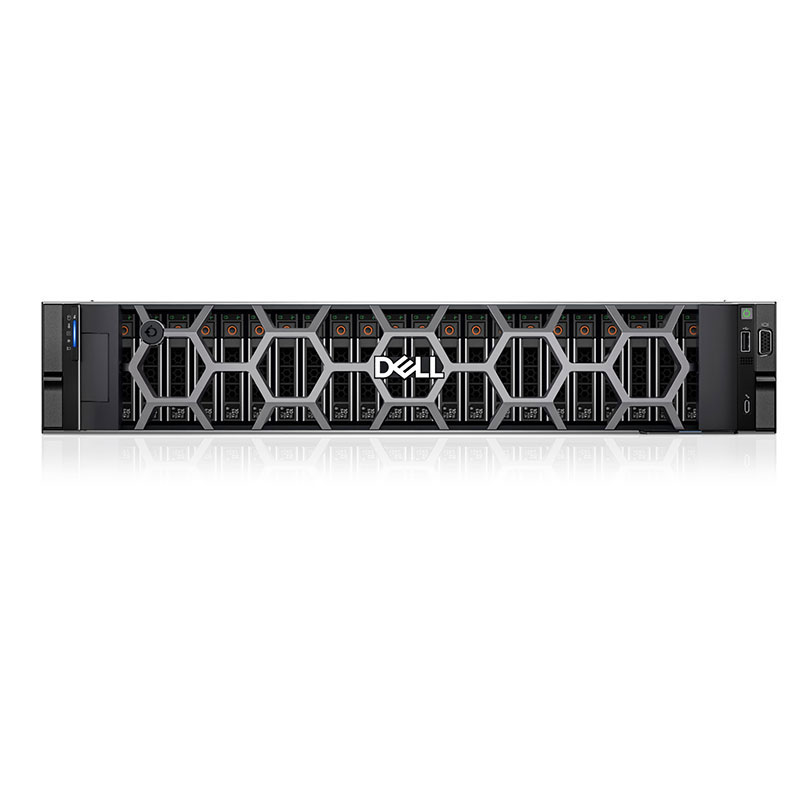
That design is common in enterprise deployments too. WECENT has supported refresh projects where Dell PowerEdge and HPE ProLiant platforms were paired with redundant switching and shared storage so customers could keep business systems available during maintenance windows. For a reseller or system integrator, the lesson is simple: high availability is a system property, not a server feature.
What should buyers ask vendors?
Buyers should ask how the platform handles peak concurrency, failure isolation, warranty coverage, regional SKU availability, and long-term upgrade paths. They should also ask whether the proposal is original, manufacturer-warrantied hardware or a gray-market mix that may create support gaps later. For enterprise procurement, the cheapest quote can become the most expensive deployment when lead times, spares, or warranty registration are unclear.
WECENT approaches this as an Authorized Agent and Hardware Sourcing Partner for Dell, HPE, Cisco, Huawei, Lenovo, and H3C. In practice, that means OEM-aligned sourcing, clearer warranty handling, and better options for Wholesale buyers who need multiple identical nodes across sites. It also helps reduce TCO because deployment delays, mismatched SKUs, and unsupported substitutions are expensive to fix after purchase.
WECENT Expert Views
In our experience, the difference between a “server down” headline and a stable platform is usually not just compute power; it is architecture discipline. The strongest enterprise designs combine headroom, redundant networking, fast storage, and clear operational ownership. For buyers planning a server refresh, the smartest move is to size for the next viral surge, not the last one. That is how procurement teams protect uptime, budget, and user trust at the same time.
What hardware fits surges?
The right hardware depends on whether the workload is CPU-heavy, memory-heavy, storage-heavy, or GPU-heavy. Virtualized game backends and session services usually benefit from balanced dual-socket servers, while AI-driven moderation, streaming, or telemetry analysis may need GPU acceleration. For enterprise buyers, a Custom Server Configuration can align the platform to workload reality instead of forcing one-size-fits-all hardware.
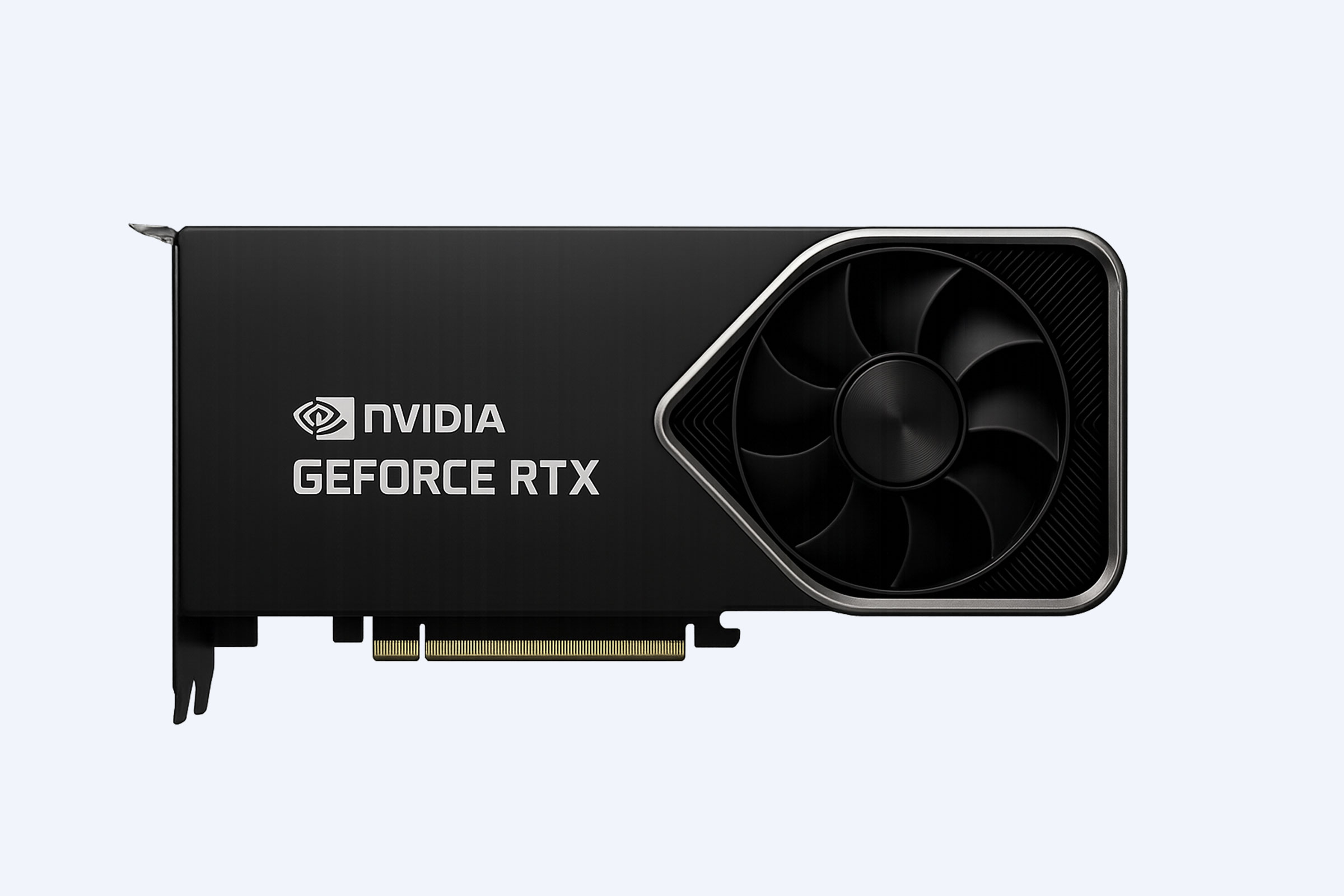
WECENT often maps this to manufacturer families such as Dell PowerEdge, HPE ProLiant, Lenovo ThinkSystem, Cisco UCS, Huawei FusionServer, and H3C UniServer, depending on customer standards and region. For example, a GPU-heavy analytics or inference cluster may justify NVIDIA H100/H200-class data center accelerators, while a conventional session-host cluster may prioritize CPU density, NVMe storage, and network resilience. That distinction matters for TCO because overbuying GPU capacity for a mostly CPU workload wastes budget, power, and rack space.
How should enterprises plan refreshes?
Enterprises should plan refreshes around service risk, not just hardware age. If the application is mission-critical or public-facing, the refresh should include resilience testing, capacity modeling, and rollback planning before migration. Good refresh planning also considers cooling, power density, spare parts, and whether the new platform will stay supportable through the next growth cycle.
WECENT’s procurement guidance usually starts with a simple question: will this be a three-year speed play or a five-year efficiency play? That answer changes everything from CPU generation to SSD endurance to rack layout. For data center solution projects, pairing the right Dell or HPE platform with original parts and manufacturer warranty is often the cleanest way to keep operations stable while preserving upgrade flexibility.
Conclusion
Gaming server outages are really infrastructure stories about capacity, routing, and shared dependencies. Server status tells you whether the full service chain is healthy, cloud elasticity helps absorb spikes, and ping reveals whether the network path is adding delay. For enterprise buyers, the same lessons apply: choose hardware and architecture that can survive bursts, not just normal load.
If you are planning an enterprise procurement cycle, treat uptime as a design requirement, insist on original manufacturer-warrantied hardware, and align the refresh to your workload mix, regional availability, and TCO goals. WECENT’s role as an IT Solution partner, IT Equipment Supplier, and Authorized Agent is to help system integrators, resellers, and IT leaders source the right platform the first time.
FAQs
Are gaming outages always server failures?
No. They can also come from DNS issues, authentication failures, bad deployments, routing problems, or overloaded databases. In many cases, the game servers are running but a shared dependency is failing.
Does more cloud capacity fix everything?
No. Cloud elasticity helps, but application design, database scaling, cache strategy, and network routing still determine whether the system can absorb a spike cleanly.
Which hardware matters most for high concurrency?
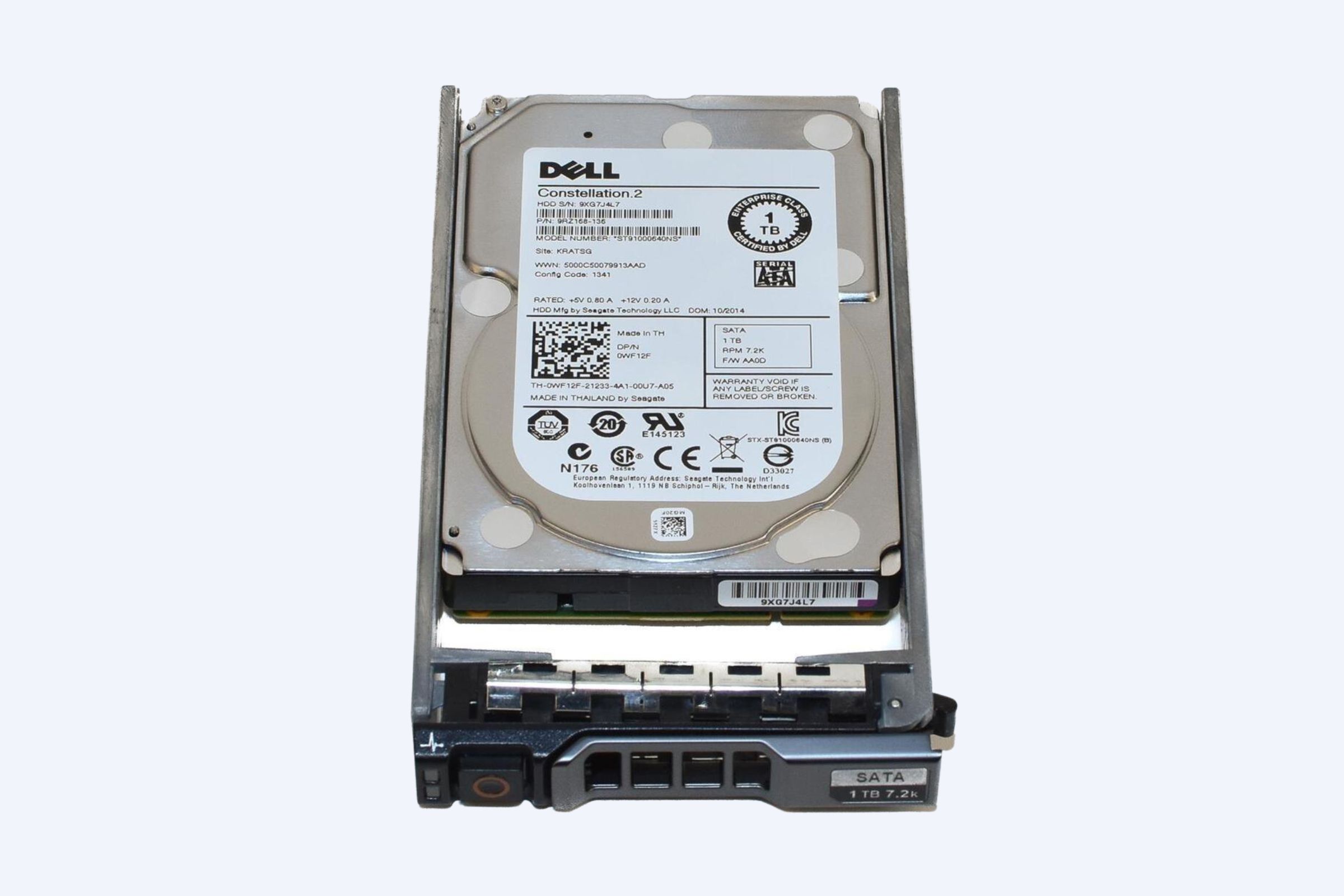
Balanced CPU, enough RAM, fast SSD/NVMe storage, and resilient networking usually matter more than any single headline spec. For AI-heavy or analytics-heavy services, GPUs may also be essential.
Has WECENT worked with original manufacturer-warrantied hardware?
Yes. WECENT positions original, manufacturer-warrantied sourcing as the standard for Dell, HPE, Cisco, Huawei, Lenovo, and H3C enterprise projects.
Can procurement teams reduce outage risk during a server refresh?
Yes. They can add headroom, validate failover, avoid mixed-sku surprises, and plan a staged migration so one cutover does not become a service event.