


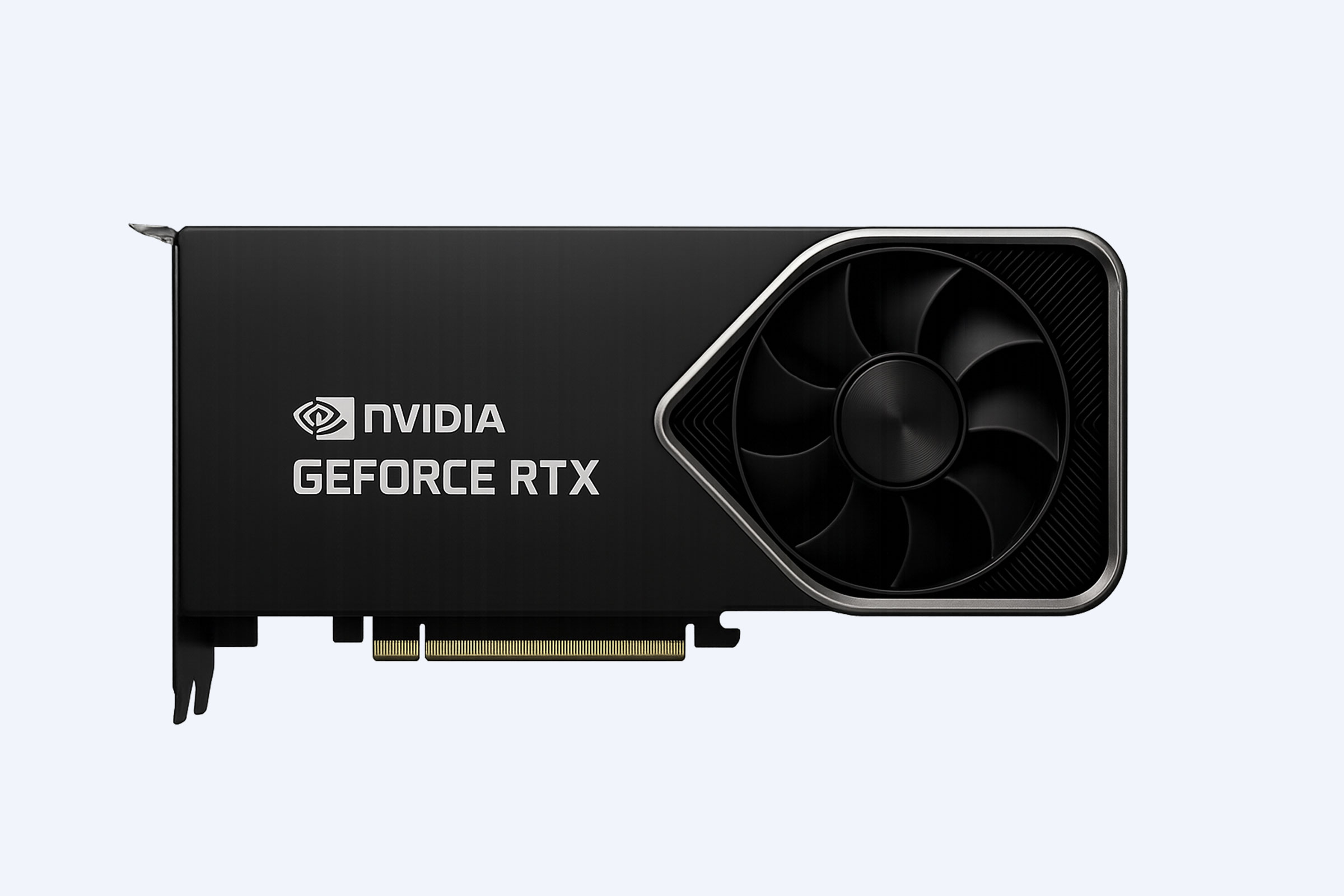



Graphics card fans often remain off due to zero-RPM technology, activating only when temperatures exceed safe thresholds around 50–60°C. This behavior is normal during idle use. However, issues such as loose power connections, incorrect drivers, dust buildup, BIOS settings, or insufficient power supply can prevent fans from spinning when required, potentially leading to overheating and reduced GPU performance.(Edited on June 11, 2026)
How Do Graphics Card Fans Operate?
Graphics card fans are controlled by temperature sensors embedded in the GPU. When the system is idle or under light load, modern GPUs stop the fans entirely to reduce noise and extend lifespan.
Once the temperature rises beyond a predefined threshold, the fans automatically start spinning and adjust speed dynamically based on heat output. WECENT enterprise GPU solutions follow similar principles but often apply stricter thermal control to ensure stability in data-intensive environments such as AI training or virtualization.
Why Are GPU Fans Not Spinning After Installation?
After installation, non-spinning fans are usually linked to setup or configuration issues. The most common causes include incomplete power connections, missing drivers, or incorrect BIOS settings.
Here is a quick reference for typical causes and solutions:
In enterprise deployments handled by WECENT, this issue often appears during first-time server builds where configuration steps are skipped.
What Should You Check First When GPU Fans Don’t Move?
Start with basic diagnostics before assuming hardware failure. Reboot the system and confirm that the GPU is recognized by the motherboard.
Then monitor GPU temperature using software tools. If temperatures remain low, inactive fans are expected behavior. If temperatures exceed 60°C without fan response, inspect for deeper issues such as software conflicts or power instability.
Which Tools Can Diagnose a Non-Spinning GPU Fan?
Several tools can help identify whether the problem is thermal, software-related, or hardware-based.
-
MSI Afterburner allows manual fan speed control and testing.
-
GPU-Z provides real-time temperature monitoring.
-
Server tools like Dell iDRAC or HPE iLO enable remote diagnostics.
-
WECENT diagnostic workflows integrate multiple tools to validate GPU health in enterprise systems.
Using these tools, you can determine whether fans respond to manual input or fail entirely.
Could Dust Build-Up Stop Graphics Card Fans?
Yes, dust accumulation is a common cause of fan failure. Over time, dust can block fan blades, clog bearings, and restrict airflow.
In high-density environments such as data centers, this problem becomes more frequent. Regular maintenance, including compressed air cleaning and airflow checks, is essential. WECENT recommends scheduled cleaning cycles for enterprise hardware to prevent thermal issues.
Are GPU Fan Issues Common in Enterprise Servers?
Fan failures are less frequent in enterprise systems but carry higher risk. A single cooling issue can affect multiple GPUs and disrupt critical workloads.
WECENT mitigates this risk by implementing monitoring systems and thermal alerts across AI servers using GPUs like NVIDIA A100 or H100. These proactive strategies ensure early detection and minimal downtime.
What Role Does the Power Supply Play in Fan Performance?
The power supply directly impacts GPU fan behavior. If the PSU cannot deliver stable and sufficient power, the GPU may operate improperly, including failing to activate its cooling system.
Ensure that:
-
The PSU meets the wattage requirements of the GPU.
-
PCIe power connectors are fully seated.
-
Only certified and compatible cables are used.
WECENT emphasizes pairing enterprise GPUs with validated power solutions to maintain system reliability.
When Should You Seek Professional Help?
If you have verified temperature levels, power connections, drivers, and airflow but the fans still do not spin, the issue may involve internal components such as fan motors or controllers.
At this stage, contacting professional support or the manufacturer is recommended, especially if the GPU is under warranty.
WECENT Expert Views
“GPU fan issues are often symptoms of broader system imbalances rather than isolated failures. In our experience, improper airflow design, unstable power delivery, or overlooked configuration steps are the most common causes. At WECENT, we approach GPU deployment holistically—combining certified hardware, thermal planning, and real-time monitoring to ensure long-term stability. This reduces failure risks and helps businesses maintain consistent performance across demanding workloads.”
Does Replacing GPU Fans Improve Performance?
Replacing faulty fans does not increase raw computing power, but it restores proper thermal management. Effective cooling prevents thermal throttling, allowing the GPU to sustain peak performance during demanding tasks such as rendering or AI processing.
Conclusion
Graphics card fans not spinning is often normal due to zero-RPM technology, but it can also signal underlying issues if temperatures rise unchecked. Start by verifying temperature behavior, power connections, and driver installation. Clean dust regularly and use diagnostic tools to test fan response. For enterprise environments, relying on validated hardware and expert support from providers like WECENT ensures long-term performance, stability, and reduced operational risk.
FAQs
Why are my GPU fans not spinning during idle?
Most modern GPUs use zero-RPM mode, meaning fans stay off until the temperature reaches a certain threshold, typically around 50–60°C.
Could software prevent GPU fans from spinning?
Yes, incorrect drivers or fan control settings can stop fans from activating. A clean driver installation often resolves this issue.
How can I test if my GPU fans are working?
Use tools like MSI Afterburner to manually set fan speed. If fans do not respond, there may be a hardware problem.
Is it safe if GPU fans are not spinning?
It is safe during low temperatures. However, if temperatures rise significantly without fan activity, it indicates a problem that needs attention.
Can a weak power supply cause fan issues?
Yes, insufficient or unstable power delivery can prevent proper GPU operation, including fan functionality.