


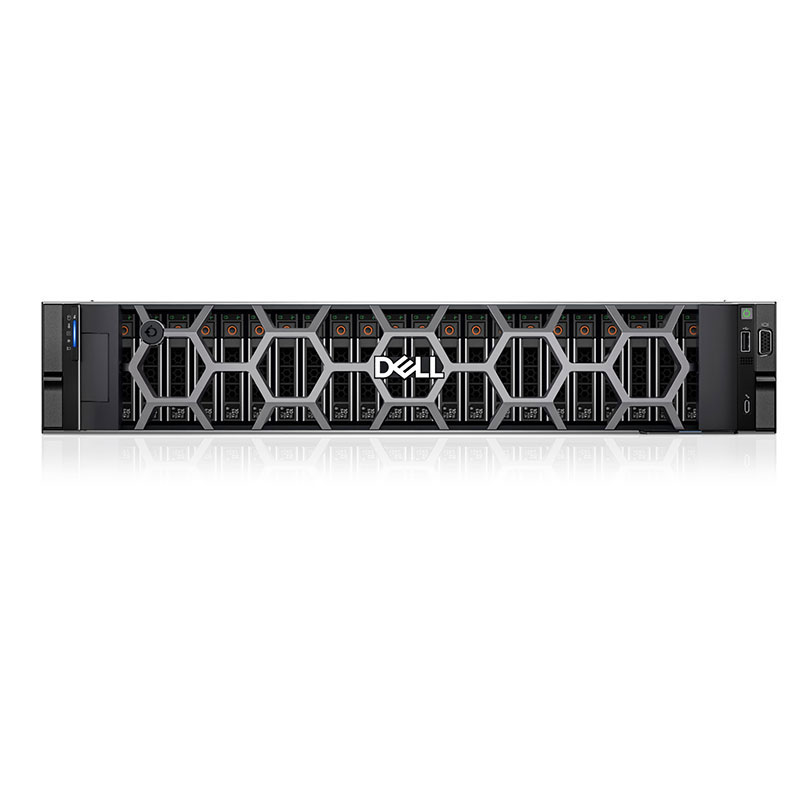


Dell PowerEdge T160, T360, and T560 tower servers cover the full journey from small office deployment to demanding enterprise data workloads. Each model scales processing power, memory, storage, and GPU capability to match growth in users, applications, and data. Choosing the right tower server lets businesses balance performance, budget, and future expansion while keeping IT management simple and reliable.(Edited on June 11, 2026)
What Makes the Dell PowerEdge T160 Ideal for Small Businesses?
The Dell PowerEdge T160 is a compact, entry-level tower server built for small and medium-sized businesses that need reliable performance without a full data center setup. It supports a single Intel Xeon E-2400 series processor with up to eight cores, providing enough power for file sharing, messaging, collaboration, and light application hosting. Four DDR5 UDIMM slots offer up to 128 GB of memory, allowing multiple everyday workloads to run smoothly.
Designed with a small footprint, unpainted steel chassis, and optional dust filter, the T160 fits well in retail stores, small offices, and warehouse environments where space and durability matter. It supports up to five SATA/SAS drives plus optional NVMe boot drives, giving flexible storage for documents, line-of-business apps, and backups. For small businesses that want a server that is easy to deploy, manage, and grow modestly over time, the T160 delivers a cost-effective and energy-efficient foundation.
How Does the PowerEdge T360 Enhance Mid-Range Business Performance?
The Dell PowerEdge T360 steps up from entry-level to serve growing small and mid-size businesses that need more capacity and flexibility. Like the T160, it supports a single Intel Xeon E-2400 processor and up to 128 GB of DDR5 memory, but it adds bigger storage scalability and improved expansion options. This makes it better suited for branch offices, remote sites, and organizations increasing their use of business applications, databases, and light virtualization.
The T360 supports up to eight 3.5-inch or sixteen 2.5-inch hot-plug drives, plus an optional Dell BOSS-N1 dual NVMe SSD card for fast and resilient boot. It can also be configured with an entry-level NVIDIA Ampere A2 Tensor Core GPU, giving extra acceleration for AI at the edge, analytics, or image processing workloads. Its robust all-steel chassis and quiet acoustics make it appropriate for office placements, delivering a balance of performance, storage, and scalability that keeps pace with a growing user base.
Which Enterprise Workloads Does the PowerEdge T560 Handle Best?
The Dell PowerEdge T560 is a high-performance tower server designed for enterprises and organizations running intensive, business-critical workloads. It supports up to two 4th or 5th generation Intel Xeon Scalable processors with up to 32 cores, enabling powerful multi-threaded performance for virtualization clusters, large databases, analytics platforms, and AI or machine learning inferencing. With 16 RDIMM slots and up to 1 TB of memory, the T560 can host many virtual machines and memory-hungry applications simultaneously.
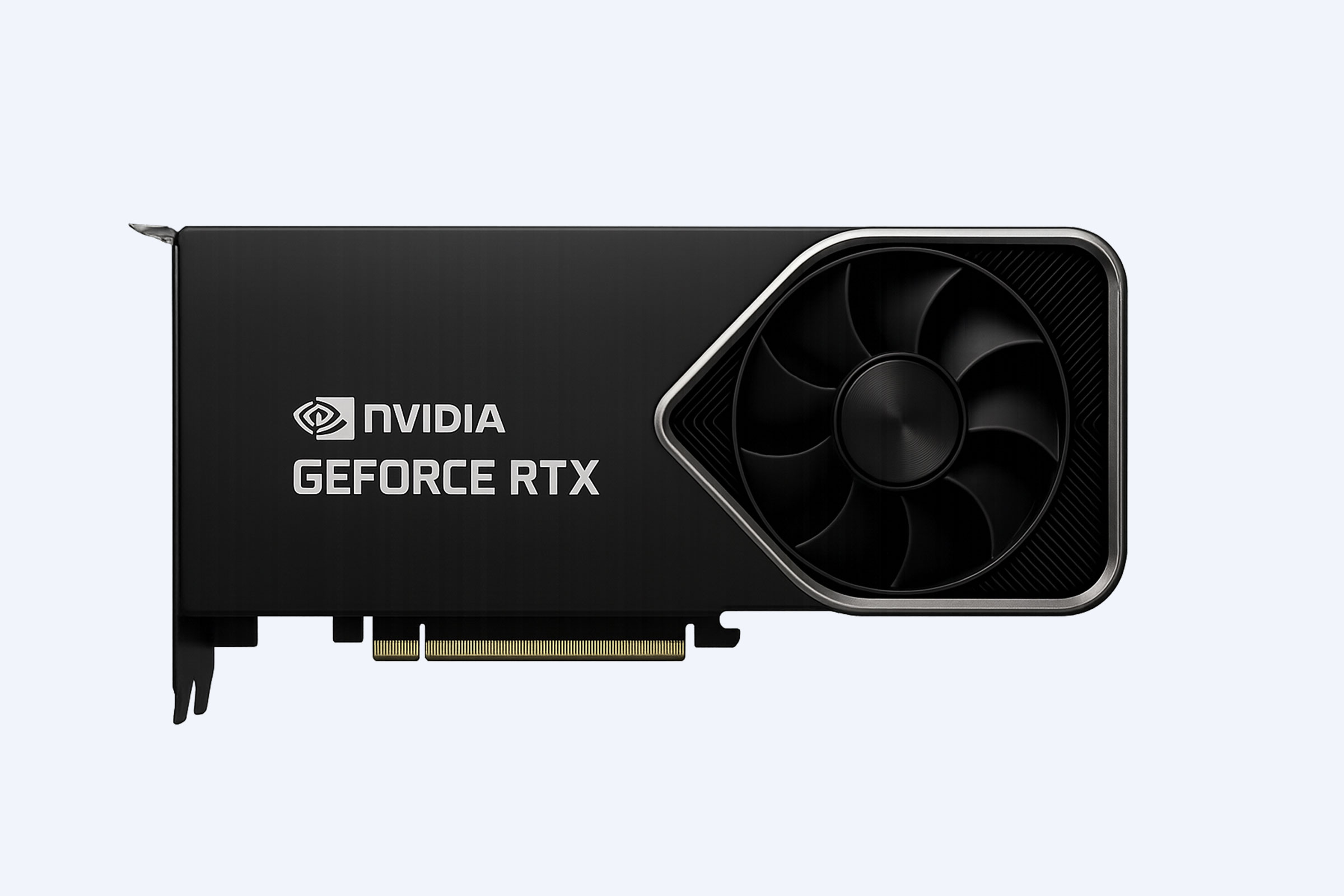
This model also excels in GPU density and I/O bandwidth. It supports multiple high-wattage, double-wide GPUs, making it suitable for AI training and inferencing, advanced graphics, and compute-heavy scientific or engineering workloads. Flexible storage configurations combine HDDs, SAS4 SSDs, and NVMe drives, while PCIe Gen 5 technology doubles data transfer speeds compared to previous generations. For enterprises that need serious compute power in a tower form factor without a dedicated data center, the T560 delivers top-tier scalability and performance.
What Storage Features Differentiate the T160, T360, and T560?
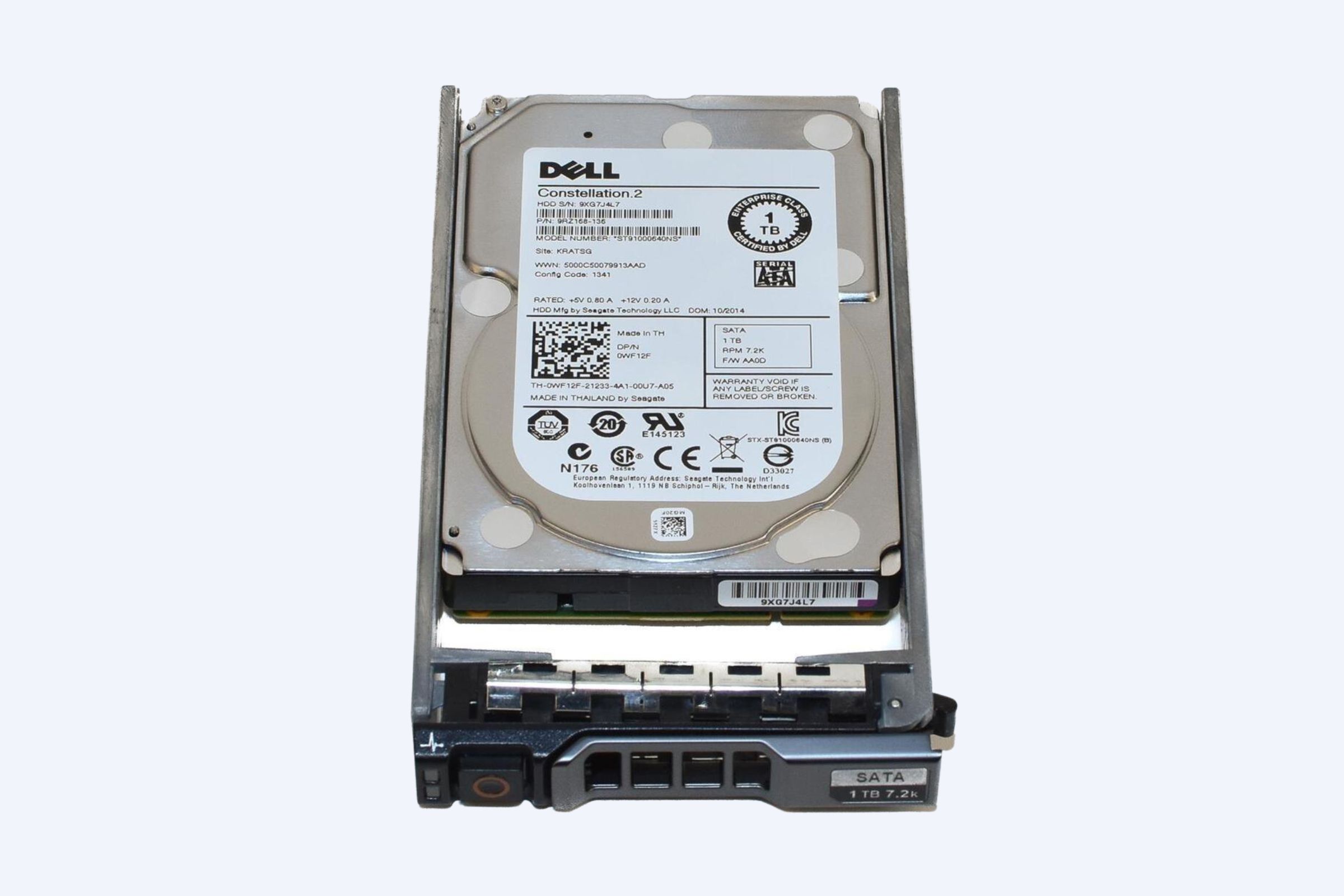
Storage flexibility is a key differentiator between the T160, T360, and T560, and it strongly influences which model fits a particular business scenario. The T160 is ideal for small businesses with modest data footprints, providing up to five SATA/SAS drives plus optional NVMe boot drives. This supports file shares, small databases, and application storage without unnecessary complexity.
The T360 is designed for organizations with larger data growth and more demanding workloads. It supports up to eight 3.5-inch or sixteen 2.5-inch hot-plug drives, plus optional BOSS-N1 dual M.2 NVMe SSDs for optimized, redundant boot. This allows easier scaling of capacity and better separation between operating system, applications, and data. The T560 offers the most flexible mix of HDD, SAS4 SSD, and NVMe storage, tailored for virtualization, AI, and enterprise applications that need high throughput, low latency, and large capacity in the same system.
Storage Capability Comparison
Why Are Scalability and Expansion Critical for Choosing Dell Tower Servers?
Scalability and expansion determine how long a server will effectively support a business before an upgrade becomes necessary. The PowerEdge T160 provides a compact, cost-effective entry point with PCIe Gen 4 expansion slots and multiple drive bays, making it a smart choice for startups or small offices that want room for modest growth. As workloads and user counts increase, businesses can add storage or upgrade components without immediate replacement.
The T360 extends this scalability with more drive bays, GPU support, and stronger management capabilities, suiting organizations in active growth phases. For enterprises and high-demand environments, the T560 delivers the highest level of expansion with dual processors, large memory capacity, multiple GPUs, and PCIe Gen 5 connectivity. Planning around these expansion paths helps avoid both underpowered infrastructure and unnecessary overspending, ensuring a better long-term return on IT investment.
How Does Dell Integrated Management Improve Reliability and Uptime?
Dell’s iDRAC9 (Integrated Dell Remote Access Controller) is included across the T160, T360, and T560, providing enterprise-grade remote management and monitoring. With iDRAC9, administrators can deploy, configure, update, and troubleshoot servers without being physically present, which is especially valuable for branch offices, edge locations, and environments with limited on-site IT staff. Remote access reduces response times and simplifies maintenance, directly improving system availability.
Features such as remote console access, automated alerts, and firmware lifecycle management help prevent issues before they cause downtime. In addition, integration with management tools and secure access controls makes it easier to standardize operations across multiple servers and sites. When combined with expert partners such as WECENT, organizations can leverage these management capabilities to build resilient, well-maintained server environments that support critical services around the clock.
How Do the T160, T360, and T560 Compare for Different Business Sizes?
Each PowerEdge tower server aligns naturally with a different stage of business growth. Small offices and branches with 1–10 users typically benefit from the T160 or T360 for basic file sharing, print services, and light applications. Growing businesses with 10–50 users, increasing data volumes, or early virtualization projects often favor the T360 or prior-generation T440/T550-class systems for increased capacity and redundancy.
Large enterprises or organizations running resource-intensive workloads are better served by the T560 or comparable high-end tower platforms. These systems provide dual-socket CPU configurations, higher memory ceilings, and advanced storage and GPU options that support dense virtualization, large databases, and AI workloads. Partners such as WECENT help match user counts, workload profiles, and growth plans to the right server class and configuration.
Business Fit and Use Case Overview
Where Does WECENT Fit into Your Dell Tower Server Strategy?
WECENT is a professional IT equipment supplier and authorized partner for top global brands, including Dell, Huawei, HP, Lenovo, Cisco, and H3C. With extensive experience in enterprise server solutions, WECENT provides original Dell PowerEdge T160, T360, and T560 servers along with matching storage, networking, and GPU options. This allows businesses to source complete, compatible solutions from a single, trusted vendor.
Beyond hardware supply, WECENT offers consultation, capacity planning, and configuration services tailored to each customer’s workloads, budgets, and growth roadmap. From initial design through installation, optimization, and ongoing maintenance, WECENT helps organizations build efficient, secure, and scalable infrastructure. For wholesalers, system integrators, and brand owners, WECENT can also support OEM and customization needs to enhance competitiveness and brand value.
How Can Enterprise Users Maximize ROI with Dell Tower Servers?
Maximizing return on investment begins with matching server capability to real workload requirements. Smaller businesses should consider the T160 when workloads involve file sharing, light collaboration, and modest application hosting, ensuring that hardware is not overbuilt for the use case. As data volumes and application complexity increase, upgrading to the T360 provides more storage, higher concurrency, and optional GPU support without leaping directly to enterprise-level costs.
For organizations already running virtualized environments, AI workloads, or large databases, the T560 delivers higher performance per watt and per rack space, which can translate to better ROI over time. Using iDRAC9 for efficient remote management and partnering with experts such as WECENT for configuration, lifecycle planning, and support further reduces operational overhead and extends the useful life of each server investment.
When Should Businesses Consider Upgrading from T160 to T360 or T560?
A server upgrade becomes necessary when current systems struggle to keep up with workloads or growth. Signs include slow application response times, frequent resource bottlenecks, insufficient storage, or the need to add GPUs and more advanced I/O than the T160 can provide. At that stage, moving to the T360 gives additional storage slots, more flexible drive options, better expansion, and optional GPU acceleration.
Businesses running many virtual machines, large relational databases, or AI and analytics workloads may outgrow both the T160 and T360. In such cases, the T560 becomes the logical next step, offering dual CPUs, large memory capacity, and robust GPU and storage capabilities. Partnering with WECENT helps organizations forecast growth, identify bottlenecks early, and plan upgrades that minimize disruption while maximizing performance gains.
Who Benefits Most from WECENT’s End-to-End IT Services?
Organizations that value reliable, high-performance infrastructure and a guided deployment experience benefit most from WECENT’s services. This includes enterprises in finance, education, healthcare, manufacturing, and data center operations that require stable, compliant, and scalable platforms. WECENT supports these needs with end-to-end offerings covering server selection, storage planning, networking design, installation, and post-deployment technical support.
For system integrators, wholesalers, and brand owners, WECENT also provides OEM, customization, and branding services, helping them deliver tailored solutions to their own customers. Combined with access to a wide range of Dell PowerEdge servers, NVIDIA GPUs, enterprise storage, and network switches, WECENT ensures that each solution is built from original, certified components designed for long-term reliability and performance.
WECENT Expert Views
WECENT Expert Views
“Dell PowerEdge T-series tower servers form a flexible foundation for modern business IT, from compact T160 deployments at the edge to powerful T560 platforms for virtualization and AI. By carefully aligning CPU, memory, storage, and GPU options with real workloads, and by leveraging remote management with iDRAC9, WECENT helps customers achieve stable performance, reduced downtime, and long-term investment protection.”
What Is the Best Way to Choose Between T160, T360, and T560?
Choosing the right Dell PowerEdge tower server starts with understanding your workload profile, user count, and growth expectations. If your environment centers on basic file sharing, office applications, and light departmental services, the T160 delivers ample performance in a compact, affordable package. For businesses anticipating rapid data growth, heavier multi-user access, or entry-level AI workloads, the T360 provides more storage and expansion headroom.
Enterprise environments with virtualized infrastructure, high-traffic databases, or intensive compute and GPU demands should consider the T560. Evaluating factors such as CPU core requirements, memory ceiling, drive capacity, GPU needs, and physical space will narrow the options. Working with WECENT ensures that these decisions are grounded in real-world experience and that each server is configured for optimal balance between cost and capability.
Conclusion
Dell PowerEdge T160, T360, and T560 tower servers give businesses a clear, scalable path from small office deployments to demanding enterprise workloads. The T160 is ideal for cost-conscious small businesses that need dependable, compact infrastructure for everyday tasks. The T360 serves growing organizations with more demanding workloads and storage needs, adding GPU support and larger drive capacity to keep pace with expansion. The T560 delivers dual-processor performance, rich GPU options, and massive memory headroom for virtualization, AI, and data-heavy applications.
To extract maximum value, businesses should align each server’s capabilities with current workloads while allowing room for future growth. Leveraging features such as iDRAC9 remote management reduces operational overhead and boosts uptime, while partnering with an experienced supplier like WECENT ensures access to original hardware, expert design, and full lifecycle support. By selecting and deploying the right PowerEdge tower server, organizations can build a stable, efficient IT foundation that supports innovation and digital transformation for years to come.
FAQs
Q1: Which Dell PowerEdge tower server is best for a small office with fewer than 10 users?
For fewer than 10 users running basic file sharing, print services, and office applications, the PowerEdge T160 is usually the best fit. It provides enough CPU and memory capacity for typical small office workloads while keeping energy consumption, noise, and cost low.
Q2: Can the PowerEdge T360 support light virtualization and databases?
Yes, the PowerEdge T360 is well-suited for light virtualization and departmental databases. Its support for larger drive configurations, up to 128 GB of memory, and optional GPU makes it a strong platform for virtual machines, collaboration tools, and business apps.
Q3: Is the PowerEdge T560 suitable for AI and machine learning workloads?
The PowerEdge T560 is highly suitable for AI and machine learning inferencing, and in some configurations, training as well. It supports multiple high-wattage GPUs, dual Intel Xeon Scalable processors, and high-throughput storage options to handle complex, compute-intensive tasks.
Q4: When should a business switch from a tower server to rack servers?
A business should consider switching from tower to rack servers when it manages many servers, needs higher density, or is building a dedicated server room or data center. Rack servers offer better scalability in large deployments, while tower servers remain ideal for standalone or small-site installations.
Q5: How does WECENT help ensure a successful Dell PowerEdge deployment?
WECENT assists with model selection, configuration design, and capacity planning based on workload and budget. The team also supports installation, optimization, ongoing maintenance, and hardware expansion, helping businesses run their Dell PowerEdge environments efficiently and reliably from day one.