




The ideal cybersecurity laptop in 2026 combines high-performance processors, ample RAM, dedicated GPUs, and advanced security features such as TPM 2.0 and biometric authentication. Professionals rely on durable systems from Dell, Lenovo, and HP, sourced through trusted suppliers like WECENT, ensuring enterprise-grade reliability, genuine hardware, and seamless support for virtualized environments and penetration testing workflows.
How Do You Choose the Best Laptop for Cyber Security?
Selecting the right cybersecurity laptop requires focusing on performance, security, and compatibility. Look for Intel i7/i9 or AMD Ryzen 7/9 CPUs, 16GB or more RAM, SSD storage, and a TPM 2.0 module. Biometric authentication, a sturdy chassis, and Linux compatibility are critical for ethical hacking, penetration testing, and secure enterprise deployments. Authorized suppliers like WECENT provide original devices with verified warranties, reducing risk and supporting long-term operational stability.
Which Laptops Are Recommended by Cyber Security Experts?
Cybersecurity professionals favor laptops optimized for encryption, virtualization, and multi-boot configurations.
-
Lenovo ThinkPad X1 Carbon Gen 12 – Robust, Linux-friendly, ideal for enterprise networks.
-
Dell XPS 15 – Strong GPU performance, excellent for running multiple virtual machines.
-
HP EliteBook 860 G10 – Features encrypted BIOS and long battery life.
| Brand | Model | Key Feature | Best Use |
|---|---|---|---|
| Lenovo | ThinkPad X1 Carbon | Linux support & robust security | Penetration testing |
| Dell | XPS 15 | High GPU power & premium build | Network analysis |
| HP | EliteBook 860 | Encrypted BIOS & long battery | Remote security ops |
Sourcing these laptops through WECENT guarantees authentic hardware, enterprise warranties, and professional support, maximizing ROI for IT teams.
Why Is Hardware Security Important in Cyber Security Laptops?
Hardware security safeguards sensitive data even before the operating system loads. TPM 2.0 chips, secure BIOS settings, and hardware-level encryption prevent firmware attacks and rootkits. These protections are essential for cybersecurity professionals managing sensitive network environments. WECENT emphasizes certified hardware with enterprise-grade security, ensuring that Dell, HP, and Lenovo systems are ready for secure deployments.
What Specs Should a Cyber Security Laptop Have?
A cybersecurity laptop must support intensive workloads, including multiple virtual machines, encryption, and penetration testing tools.
| Component | Recommended Specification |
|---|---|
| CPU | Intel i7/i9 or AMD Ryzen 7/9 |
| RAM | 32GB+ for virtualization |
| Storage | NVMe SSD 1TB minimum |
| GPU | NVIDIA RTX/Quadro or integrated Iris Xe |
| OS | Dual-boot Windows + Linux |
| Security | TPM 2.0, Fingerprint, BIOS Lock |
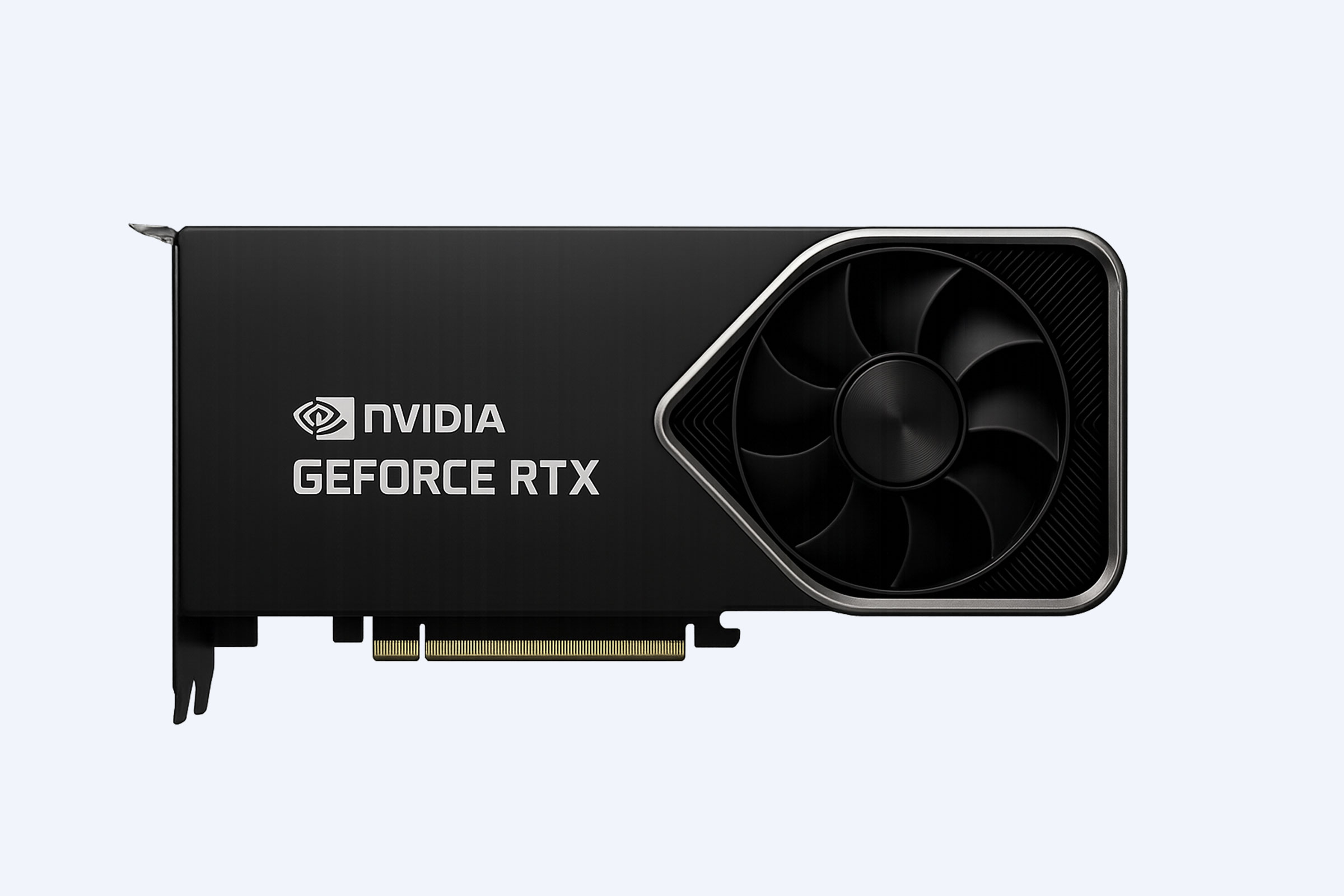
High-end GPUs like the NVIDIA RTX 40 or 50 series, available through WECENT, accelerate cybersecurity simulations, AI-based analysis, and complex virtualization tasks.
Where Can IT Professionals Buy Genuine Cyber Security Laptops?
Enterprise buyers should source laptops from certified suppliers or authorized agents. WECENT provides authentic Dell, HP, Lenovo, and Huawei devices with manufacturer warranties, OEM customization, and post-deployment support. Purchasing from authorized vendors ensures genuine hardware, compliance with IT standards, and access to tailored configurations for cybersecurity, cloud, and data center environments.
When Should You Upgrade Your Cyber Security Laptop?
Cybersecurity laptops should be upgraded every 3–5 years or when processing and memory limitations impact virtual machine workloads. Signs include system overheating, lag during multitasking, or outdated TPM modules. Early upgrades maintain compatibility with new penetration testing frameworks and reduce vulnerability exposure, ensuring uninterrupted performance in SOCs and enterprise networks.
Could Custom IT Solutions Improve Cyber Security Laptop Performance?
Custom configurations significantly enhance cybersecurity performance. WECENT offers tailored solutions including upgraded SSDs, expanded RAM, Linux-optimized BIOS settings, and GPU enhancements. These customizations improve computational speed, reduce downtime, and ensure compliance with organizational cybersecurity protocols, especially in enterprise, research, and data-intensive environments.
Who Needs Enterprise-Grade Cyber Security Laptops?
Cybersecurity analysts, penetration testers, IT administrators, and SOC engineers require enterprise-grade laptops. These systems efficiently run Metasploit, Wireshark, Burp Suite, and multiple virtual machines simultaneously. Academic institutions and AI research labs also rely on robust hardware to test defenses and simulate realistic cyber threats under controlled conditions.
WECENT Expert Views
“Cybersecurity laptops must balance power with security. At WECENT, we provide hardware that is both robust and flexible, enabling enterprises to perform secure operations under heavy workloads. By combining authorized sourcing with expert configuration, we ensure that every system delivers reliability, compliance, and optimized performance for mission-critical IT deployments.”
— WECENT Technical Solutions Division
Is Linux Still the Preferred OS for Cyber Security?
Yes, Linux continues to be the preferred OS for cybersecurity due to its open-source security tools, modularity, and low system overhead. Distributions like Kali Linux, Parrot OS, and Ubuntu provide access to advanced network analysis, reverse engineering, and exploit frameworks, making them essential for professional cybersecurity workflows.
Why Choose WECENT for Cyber Security Hardware?
WECENT provides trusted sourcing, OEM customization, and efficient global logistics. With partnerships covering Dell, Lenovo, HP, and NVIDIA, clients gain original, high-performance hardware at competitive prices. Fast shipping, extended warranties, and expert consulting help IT integrators maintain secure, reliable, and scalable cybersecurity infrastructure, reducing operational risk and downtime.
Conclusion: Securing Cyber Success with the Right Laptop
The best cybersecurity laptop combines powerful processors, ample memory, secure hardware, and validated sourcing from authorized suppliers. Whether using a Lenovo ThinkPad for penetration testing or a Dell XPS for network auditing, enterprise success depends on authentic, durable systems. Partnering with providers like WECENT ensures robust hardware, expert support, and long-term operational reliability in modern cybersecurity environments.
Also check:
Lenovo ThinkPad X1 vs Dell XPS 15: Ultimate Cybersecurity Laptop 2026
Top 5 Affordable Laptops for Cyber Security Students on a Budget
How to Choose a Laptop for Kali Linux: Hardware Compatibility Guide 2026
Why 32GB RAM Is the New Standard for Cybersecurity Virtual Labs in 2026
TPM 2.0 and Secured-Core PCs: Essential for Cyber Pros
FAQs
1. What Are the Best Laptops for Cybersecurity Professionals in 2026
The best laptops for cybersecurity professionals in 2026 combine high processing power, robust RAM, and advanced security features like TPM 2.0 and biometric authentication. Models from Dell, Lenovo, and HP offer ideal combinations. WECENT provides access to these enterprise-grade devices, ensuring authentic hardware for secure, efficient, and professional cybersecurity work.
2. Which High-Performance Laptops Are Ideal for Penetration Testing
High-performance laptops for penetration testing need fast CPUs, powerful GPUs, and virtualization support to run multiple security environments. Look for 16GB+ RAM, SSD storage, and Linux compatibility. Brands like Lenovo ThinkPad X1 Extreme or Dell XPS 17 excel in testing labs, providing reliability and speed for ethical hacking operations.
3. How to Choose a Laptop with Advanced Encryption for Maximum Security
Select laptops with hardware-level encryption, such as TPM modules and AES-NI support, to safeguard sensitive data. Ensure full disk encryption compatibility and BIOS security features. Enterprise models from HP, Dell, and Lenovo meet these standards. WECENT offers verified hardware that guarantees encryption compliance for high-stakes cybersecurity tasks.
4. What Laptops Have Secure Boot and TPM Support for Cybersecurity
Laptops with secure boot and TPM 2.0 provide strong protection against malware and unauthorized access. Dell Latitude, Lenovo ThinkPad, and HP EliteBook series often include these features. Prioritize models with firmware updates and BIOS lockdown options to enhance overall security while supporting enterprise cybersecurity software.
5. Which Laptops Are Fully Compatible with Kali Linux
Kali Linux-compatible laptops require hardware-friendly drivers for networking, GPU acceleration, and virtualization. Dell XPS, Lenovo ThinkPad, and HP Spectre models perform well for penetration testing, ethical hacking, and lab simulations. Ensure BIOS supports UEFI boot and secure installation options for seamless operation in cybersecurity environments.
6. How to Pick Laptops Optimized for Virtual Labs and Cybersecurity Testing
Laptops optimized for virtual labs need multi-core CPUs, 32GB+ RAM, and NVMe SSDs to run multiple VMs simultaneously. High-end GPUs enhance simulated attacks and GPU-accelerated tasks. Models like Lenovo ThinkPad P1 or Dell Precision series maximize efficiency and reliability, making them ideal for cybersecurity professionals managing complex testing environments.
7. What Are the Most Affordable Laptops for Cybersecurity Students
Affordable cybersecurity laptops balance performance and price. Look for Intel i5 or Ryzen 5 CPUs, 16GB RAM, SSD storage, and basic TPM security. Lenovo IdeaPad, HP Pavilion, or Dell Inspiron models offer solid student-friendly options for penetration labs, virtual machines, and coursework without overspending. Ideal for training and early career security projects.
8. Which Laptops Offer the Best Value for Ethical Hacking in 2026
The best value laptops for ethical hacking combine fast CPUs, sufficient RAM, SSD storage, and Linux compatibility. Dell XPS, Lenovo ThinkPad, and HP EliteBook provide high reliability and security at competitive prices. WECENT can supply these authentic enterprise-grade laptops, ensuring longevity, warranty support, and optimized performance for ethical hackers.