

















Hybrid storage tiering automatically moves frequently accessed (hot) data to high-speed SSDs and infrequently accessed (cold) data to lower-cost HDDs, maximizing performance while minimizing capital expenditure. Modern auto-tiering engines monitor data access patterns in real-time, classifying and migrating data across tiers without manual intervention.
Check: Which Storage Server Architecture Maximizes Performance for Latency-Sensitive Enterprise Apps?
What Is Hybrid Storage Tiering and Why Does Your Enterprise Need It?
Hybrid storage tiering is automated, policy-driven data movement across storage hierarchies from SSD to HDD. Enterprises need it to avoid wasting CAPEX on all-SSD arrays or suffering HDD latency for all workloads, cutting TCO by balancing performance and cost for AI, big data, and virtualization.
Traditional storage forces IT procurement managers into tough choices: overprovision expensive SSDs for peak performance or settle for slow HDDs that miss SLAs. Hybrid tiering resolves this by dynamically placing hot data—like active databases or AI model weights—on SSDs while archiving cold data, such as historical logs, on HDDs. This delivers sub-10ms latency for critical workloads at 30–50% lower TCO.
For system integrators and data center operators, tiering ensures scalability without constant hardware refreshes. WECENT, as an authorized agent for Dell and HPE, supplies original PowerVault ME series and ProLiant servers with native tiering support, backed by manufacturer warranties.
How Does Automatic Data Tiering Work? The Mechanics Behind SSD Cache and HDD Storage
Automatic data tiering works by monitoring I/O patterns, assigning heat scores, and migrating data per policies: hot data to SSD cache, cold to HDD. SSDs handle repeated requests; HDDs store infrequently accessed data, all without manual intervention.
The process starts with I/O monitoring agents tracking read/write frequency, sequential/random patterns, and access recency. A classification engine scores data as hot, warm, or cold—hot data (accessed >10x/day) promotes to Tier 0 SSD cache or Tier 1 SSD primary; cold data (accessed <1x/week) demotes to Tier 2 HDD.
Migration happens at block or file level via optimized policies, minimizing metadata overhead. Dell PowerVault ME4 and ME5 series feature native auto-tiering, as do HPE ProLiant DL380 Gen11 servers. Failover ensures continuity if a tier fails.
WECENT ensures these systems run original firmware for certified tiering, serving finance, healthcare, and data centers with reliable performance.
| Tier | Storage Medium | Access Latency | Use Case | Data Retention |
|---|---|---|---|---|
| Tier 0 | SSD Cache | <1ms | Active datasets, GPU inference | Hours–Days |
| Tier 1 | SSD Primary | 1–5ms | Databases, AI workloads | Days–Weeks |
| Tier 2 | HDD Secondary | 5–20ms | Warm data, backups | Weeks–Months |
| Tier 3 | Archive/Object | 50–500ms | Cold compliance data | Years |
What Triggers Data Movement Between Tiers? Access Patterns and Policy-Based Classification
Data movement triggers from policy rules like access frequency (>10x/day = hot), IOPS density, read/write ratios, and time-based thresholds (e.g., >30 days old to HDD). Systems reassess continuously, handling spikes by promoting cold data temporarily.
Administrators set rules in the policy engine: “Promote data with high IOPS to SSD” or “Demote low-access files to HDD.” Monitoring captures sequential vs. random I/O, ensuring accurate classification.
In finance, current transaction ledgers stay in Tier 1 SSDs; prior years move to Tier 2 HDDs. Audits pull Tier 3 without impacting live processing. This automation scales to petabytes, ideal for enterprise IT teams.
Which Enterprise Configurations Deliver Optimal Tiering Performance for AI, Big Data, and Virtualization?
Optimal configurations include Dell PowerVault ME4012/ME5024 with PowerEdge R760/XE9680 + NVIDIA H100/H200 GPUs for AI; HPE ProLiant DL380 Gen11 for virtualization; and hybrid GPU servers with H200/B300 for GenAI, all with native auto-tiering.
Check: Storage Server
Config A: Dell PowerVault ME4012/ME5024 + PowerEdge R760/XE9680 + H100/H200 suits ML inference: hot data on SSD Tier 1, model weights on Tier 0, training datasets on HDD Tier 2. WECENT supplies authorized Dell/NVIDIA stacks with OEM customization and 95% cache hit rates.
Config B: HPE ProLiant DL380 Gen11 + storage for virtualized datacenters isolates hot VMs on SSDs from cold batch jobs on HDDs, achieving sub-15ms P99 latency.
Config C: H200/B300 GPUs + tiered storage for LLM workloads keeps prompts/model weights hot on SSDs, historical data cold on HDDs. WECENT’s full GPU spectrum (RTX 50 to B300) enables turnkey AI solutions.
| Workload | Tier 0 (SSD Cache) | Tier 1 (SSD Primary) | Tier 2 (HDD) | Recommended Hardware | WECENT Solution |
|---|---|---|---|---|---|
| AI/ML Inference | Model weights | Active datasets | Training data | R760 + H100 + ME5024 | Dell/NVIDIA OEM |
| Transactional DB | Index cache | Transactions | Archives | DL380 Gen11 | HPE stack |
| Big Data | Queried partitions | Working sets | Cold backups | DL380 Gen11 | Scalable |
| Virtualization | VM pages | Active VMs | Snapshots | R750 + ME4024 | Multi-tenant |
How Much Can Your Enterprise Save with Hybrid Storage Tiering? ROI and TCO Analysis
Enterprises save 30–50% TCO: hybrid uses 20% SSD ($0.10–0.15/GB) + 80% HDD ($0.01–0.03/GB) vs. all-SSD. For 100TB (20TB hot), savings reach 40% without performance loss; AI clusters avoid $30M CAPEX over 3 years.
SSD costs $0.10–0.15/GB; HDD $0.01–0.03/GB. Auto-tiering is included in Dell PowerVault ME and HPE firmware—no extra licenses via WECENT.
Scenario 1: 100TB datastore saves ~40% vs. all-SSD. Scenario 2: 500TB AI cluster reduces SSD needs by 250TB, saving $30M. Operational gains cut manual tasks, freeing IT staff.
WECENT’s consultation maximizes ROI with validated configurations from authorized Dell, HPE sources.
What Are Best Practices for Implementing Hybrid Storage Tiering in Your Data Center?
Best practices: Assess I/O patterns with tools; define policies (10–20% SSD cache/primary); configure rules (access/time/size-based); monitor hit rates quarterly; ensure RAID redundancy across tiers.
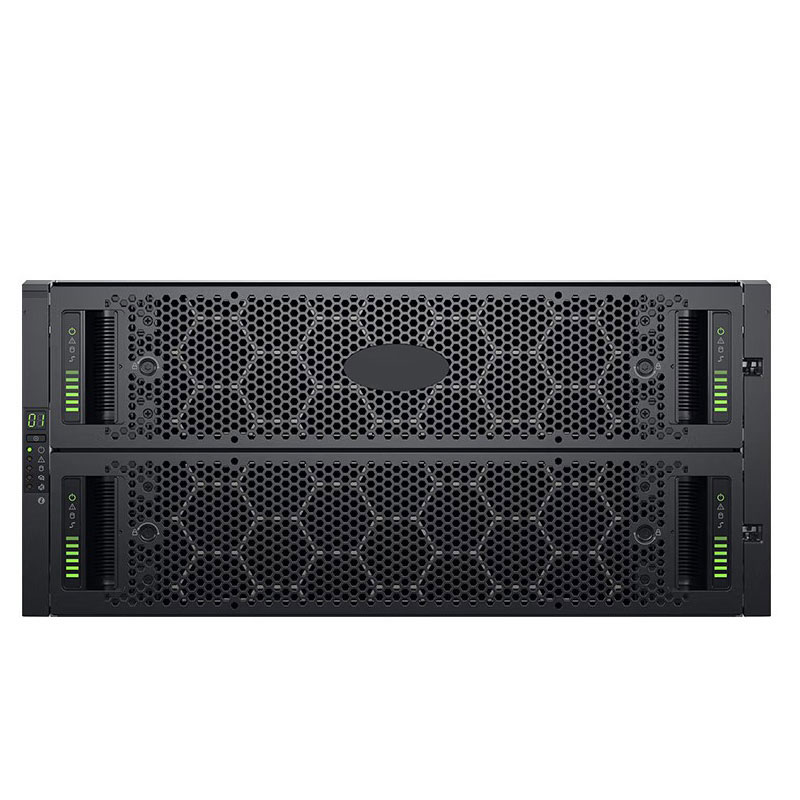
Step 1: Baseline 30-day IOPS/latency per app using Dell/HPE tools.
Step 2: Set ratios—conservative 10/20/70%; aggressive 20/40/40% for AI.
Step 3: Rules like “>100 IOPS to hot; >30 days to cold.”
Step 4: Target 90%+ hit rates; tune quarterly.
Step 5: RAID 6 across tiers; test failovers. WECENT provides installation and monitoring.
How Does WECENT Support Enterprise Tiering Deployments as Your Authorized IT Infrastructure Partner?
WECENT supports with 8+ years expertise, original Dell/HPE hardware, end-to-end services from consultation to support, AI GPU integration, and OEM customization for wholesalers.
As authorized agent for Dell, Huawei, HP, Lenovo, Cisco, H3C, WECENT delivers PowerVault ME4/ME5, ProLiant DL380 Gen11 with native tiering. Full warranties ensure firmware compatibility.
Services: workload assessment, procurement of servers/storage/GPUs (H100 to B300), on-site install, policy tuning, SLA monitoring. OEM bundles accelerate deployments for integrators.
For AI, pair tiered storage with full GPU spectrum for optimized hot/cold separation.
WECENT Expert Views
“Hybrid storage tiering is essential for enterprises scaling AI and big data. We’ve helped clients cut SSD costs 40–50% while keeping sub-10ms latency via accurate profiling and tuning. As authorized Dell, HPE, NVIDIA distributor, WECENT delivers original tiering stacks with full support—letting clients innovate without infrastructure headaches.” – WECENT Infrastructure Specialist
Conclusion
Hybrid storage tiering optimizes enterprise performance by automating hot data to SSDs and cold to HDDs, slashing TCO 30–50% for AI, virtualization, and big data. WECENT’s 8+ years as authorized Dell, HPE, NVIDIA partner provides original hardware, customization, and services—from assessment to support—empowering IT decision-makers worldwide.
FAQs
Is hybrid storage tiering only for large enterprises with 100TB+ datasets?
No, it benefits 5–10TB setups too. Small configs like 1TB SSD + 10TB HDD yield 20–30% savings and boost latency-sensitive apps. WECENT right-sizes for all scales.
What’s the difference between auto-tiering and manual data migration?
Auto-tiering moves data dynamically by patterns/policies; manual is ad hoc and labor-intensive. Dell PowerVault/HPE systems offer native auto-tiering via WECENT, scaling effortlessly.
Will tiering add latency to my workloads?
No for hot data—Tier 0/1 SSDs match all-SSD speeds (<5ms). Cold HDD access is rare, minimizing impact. WECENT consultation aligns policies to workloads.
Can I tier data across different storage vendors?
Best within one vendor like Dell PowerVault or HPE for integrated firmware. WECENT recommends single-vendor for simplicity, advises multi-array if needed.
How often should I re-evaluate tiering policies?
Quarterly, or after workload changes. Maintain >90% hit rates. WECENT provides monitoring and optimization reports.